What's inside.
Five groups, the way the app arranges them. A venue switches on the ones it uses.
Service and closing.
Reception dashboard
The day's bookings, the week's covers and what guests said.
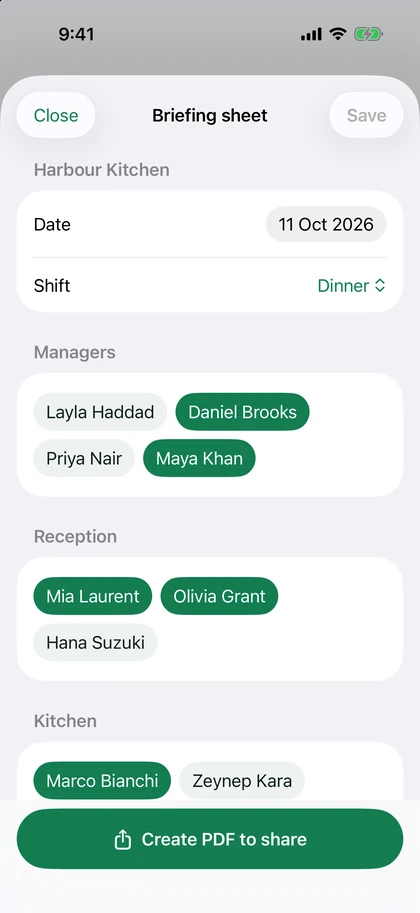
Briefing sheets
A sheet for reception and one for the floor, for every shift, as a PDF to share.
Cash-up
Each shift counted against the till, approved by a manager, then locked.
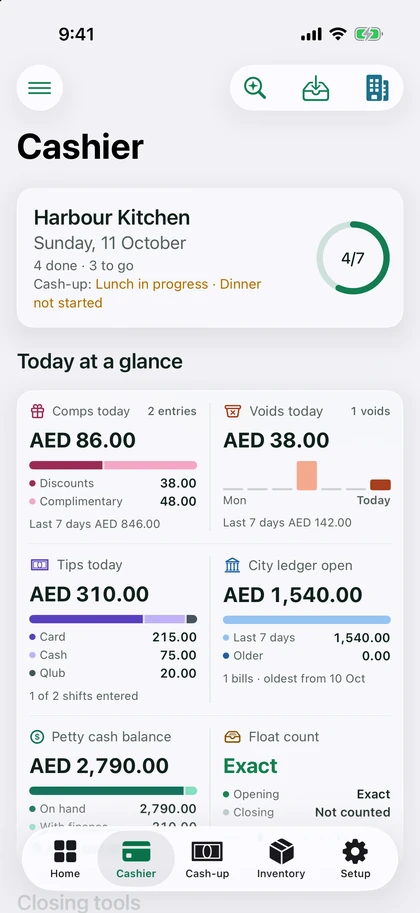
The cashier's trackers
Discounts and complimentaries, voids, tips, petty cash and the city ledger.
End of Day report
Covers, revenue and the notes of the day, approved and sent by email.
Stock and upkeep.
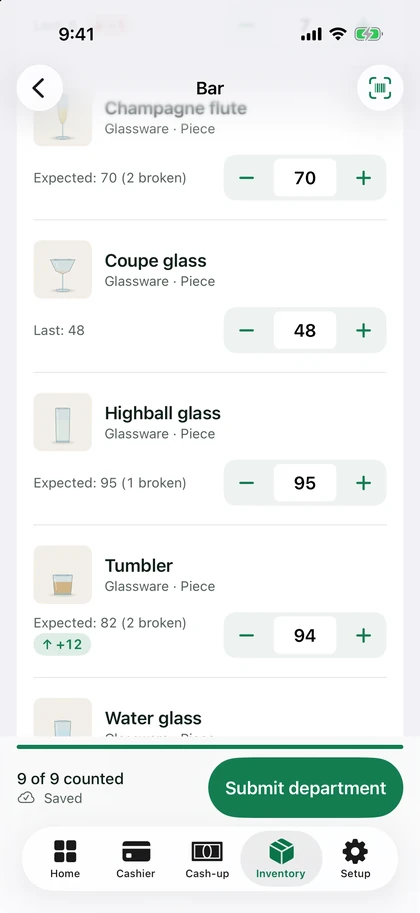
Monthly counts
Counted by department. Every difference gets a reason before the count is approved.
Breakages and waste
Recorded when they happen, and taken off what the next count expects.
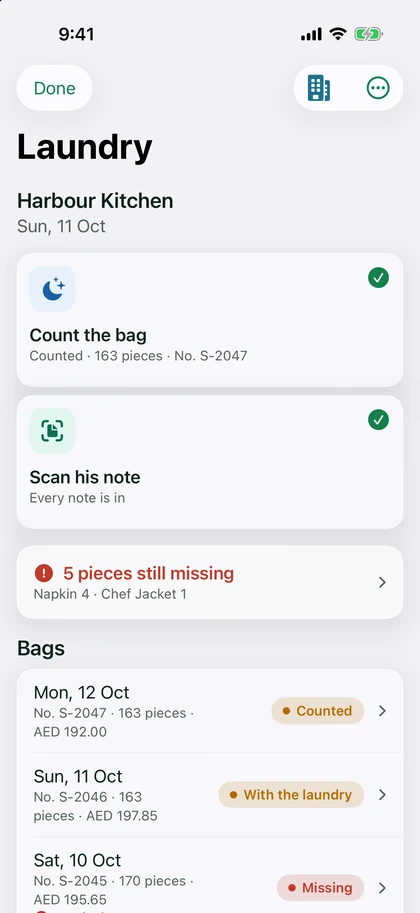
Laundry
What went out, what came back, and what the laundry billed for it.
Maintenance
Jobs with photos, contractors and costs. Planned work is raised ahead of its date.
Permits and certificates
Each one with its expiry, and a reminder before it runs out.
Team and knowledge.
Rota
Built by department, published, and shared as a PDF or a link. Everyone sees their own shifts.
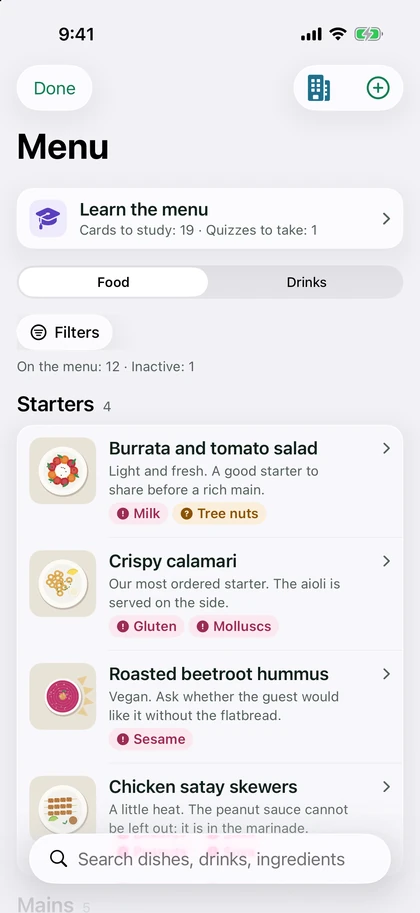
Menu guide
Every dish with what to tell the guest and its allergens, with quizzes and flash cards to learn it.
Training
Trainings with their quizzes, an induction for each position, and attendance.
SOPs
Your procedures by category, with their PDFs, photos and videos.
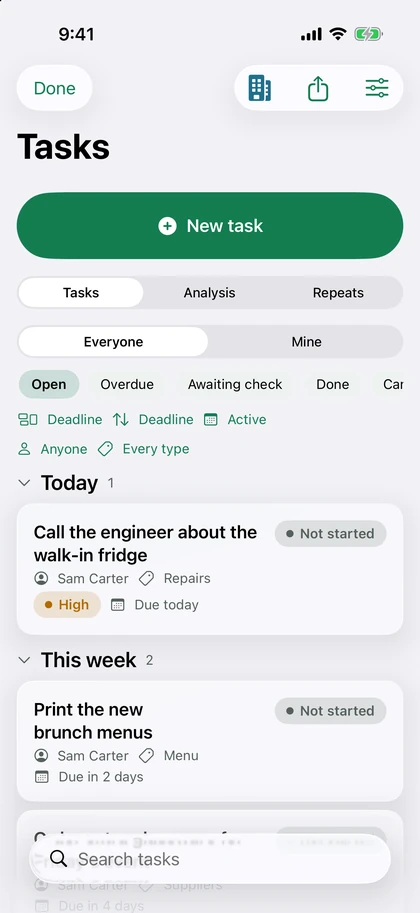
Tasks
Given to a person with a deadline, and checked when they say it is done.
Reports.
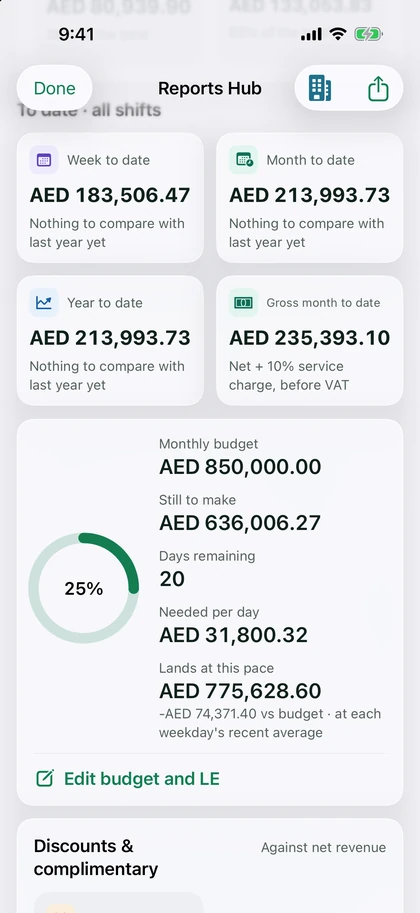
Reports Hub
Net revenue, covers and budget, by day, by shift and by weekday.
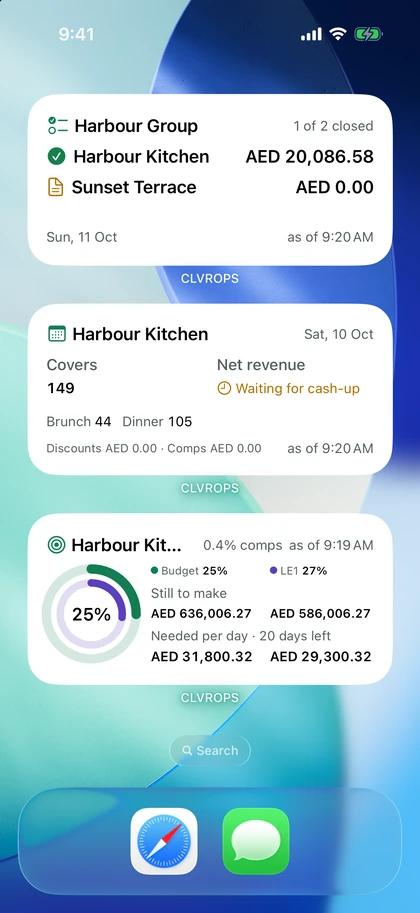
Morning brief and widgets
Yesterday on your phone each morning, and on the home screen all day.
The GM's weekly report
The week in numbers and in words, sent as a PDF.
P&L analyzer
Your accountant's pack and ledger, read into ratios and findings.
Menu engineering
Which dishes sell and which ones earn, category by category.
Events.
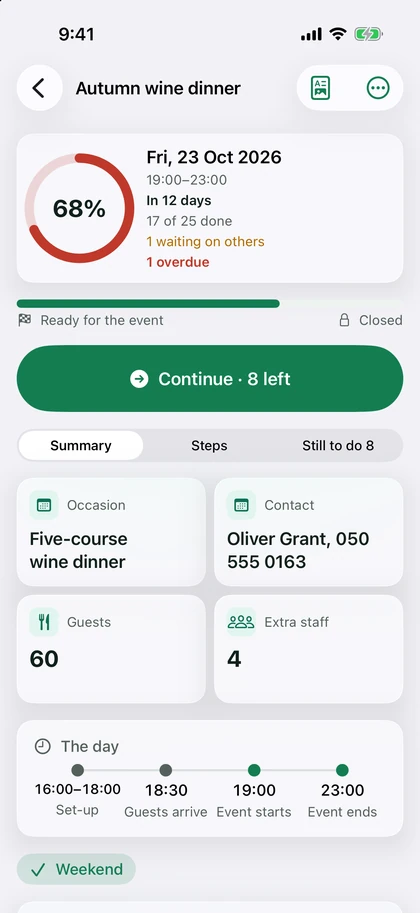
Event planner
A checklist for every event, with deadlines, a brief to share and a final report.
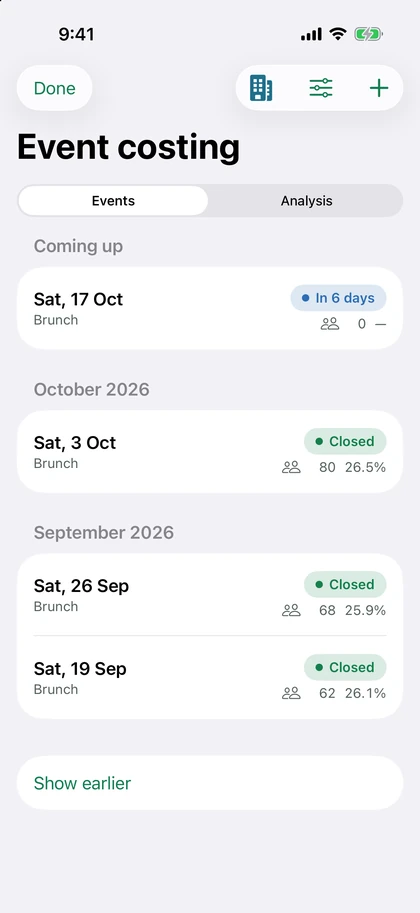
Event costing
What an event cost against what it took, package by package.
Floor plans
Your venue's drawing with the furniture laid out to scale.
Tell us about your venues.
We'll show you CLVROPS on your own day, and send you a price.
Or write to info@clvrsolutions.uk